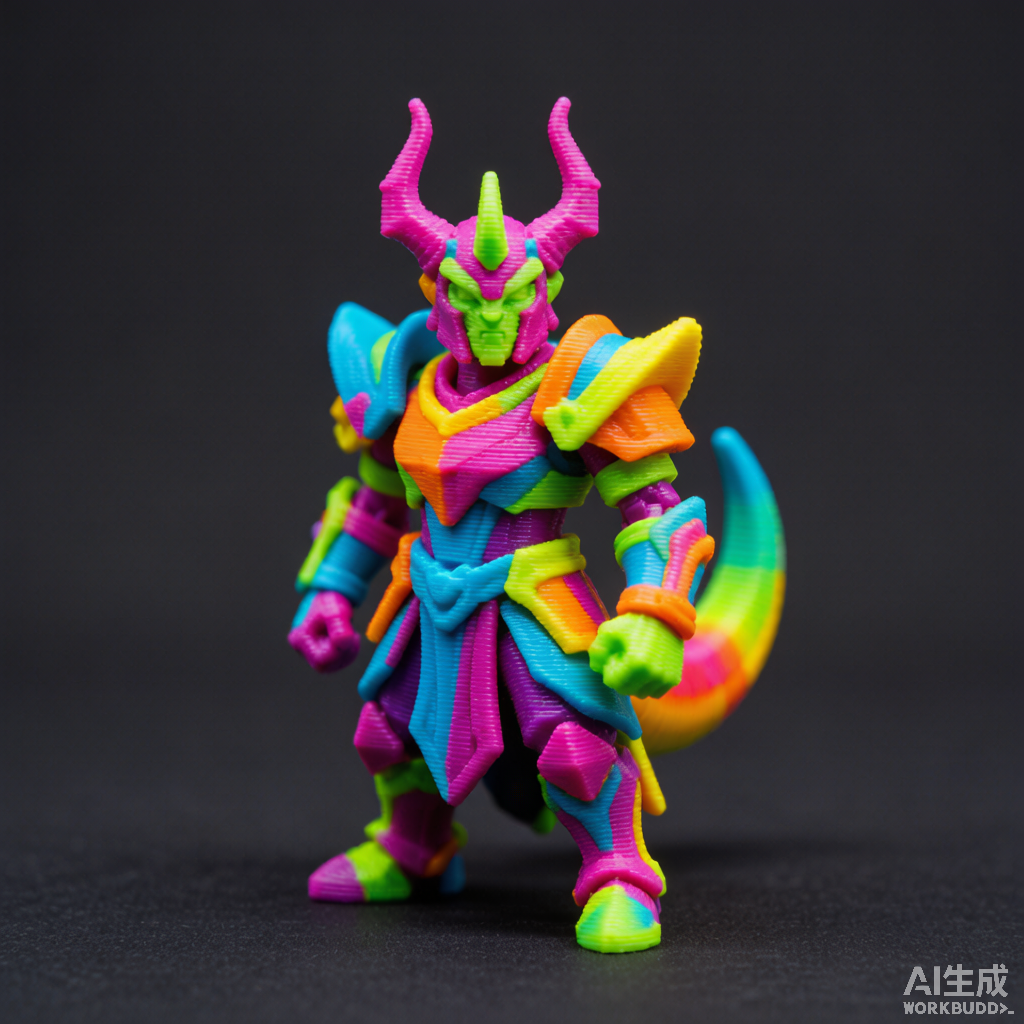
Miniatures & figurines
Tabletop heroes, busts and high-detail sculpts. Binary STL keeps the crisp edges your resin or FDM printer wants.
3mftostl.site reads your 3MF package in the browser, rebuilds every mesh with its transforms, and hands you a clean STL. No cloud, no queue, no file-size surprises.
Drop .3mf files here
or drag & drop — up to 150 MB each, multiple files supported
Dice, drone frames, dioramas — if it ships as a 3MF, it becomes slicer-ready STL. 3mftostl.site flattens the whole build, transforms and nested components included.
Tabletop heroes, busts and high-detail sculpts. Binary STL keeps the crisp edges your resin or FDM printer wants.
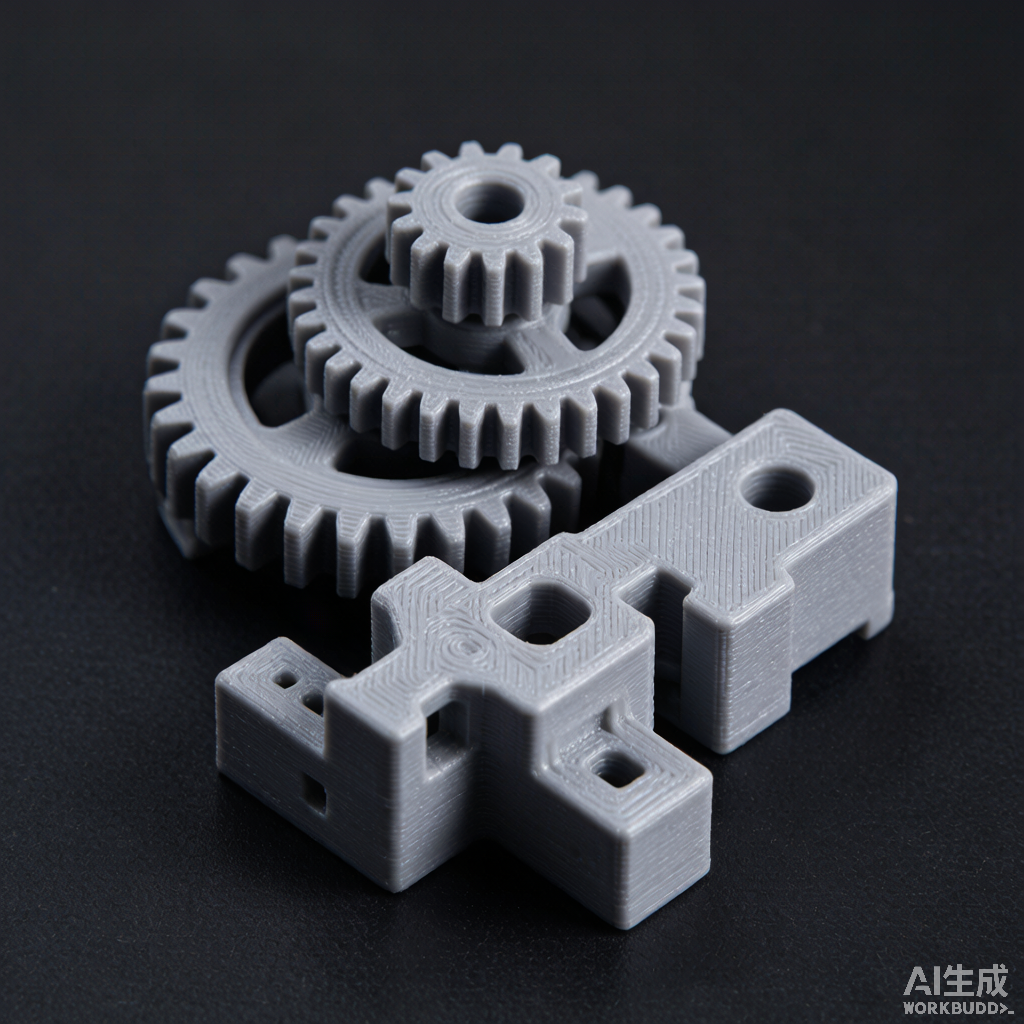
Gears, brackets and multi-body assemblies. Each instance's transform is honored, so parts line up the way the designer intended.
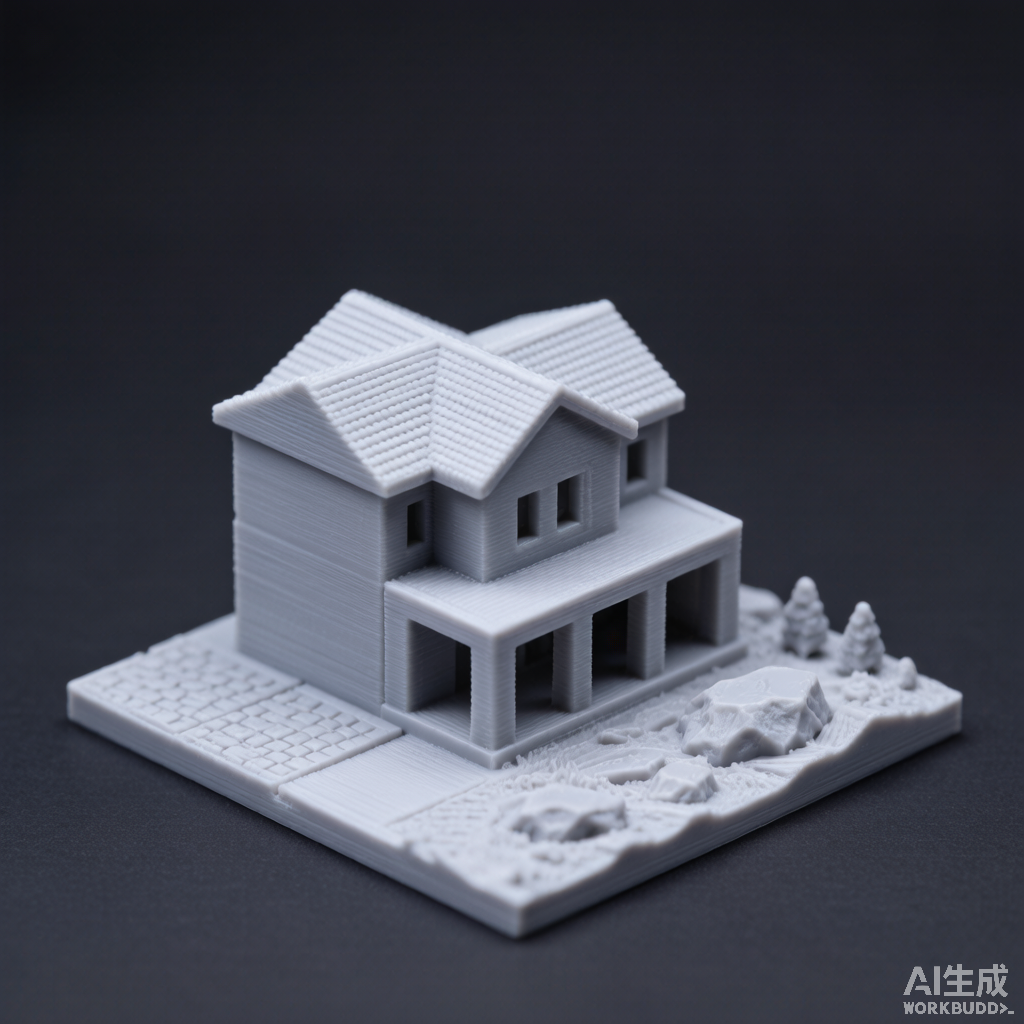
Buildings, castles, landscape tiles — even meshes near the 150 MB mark — convert without dropping facets.
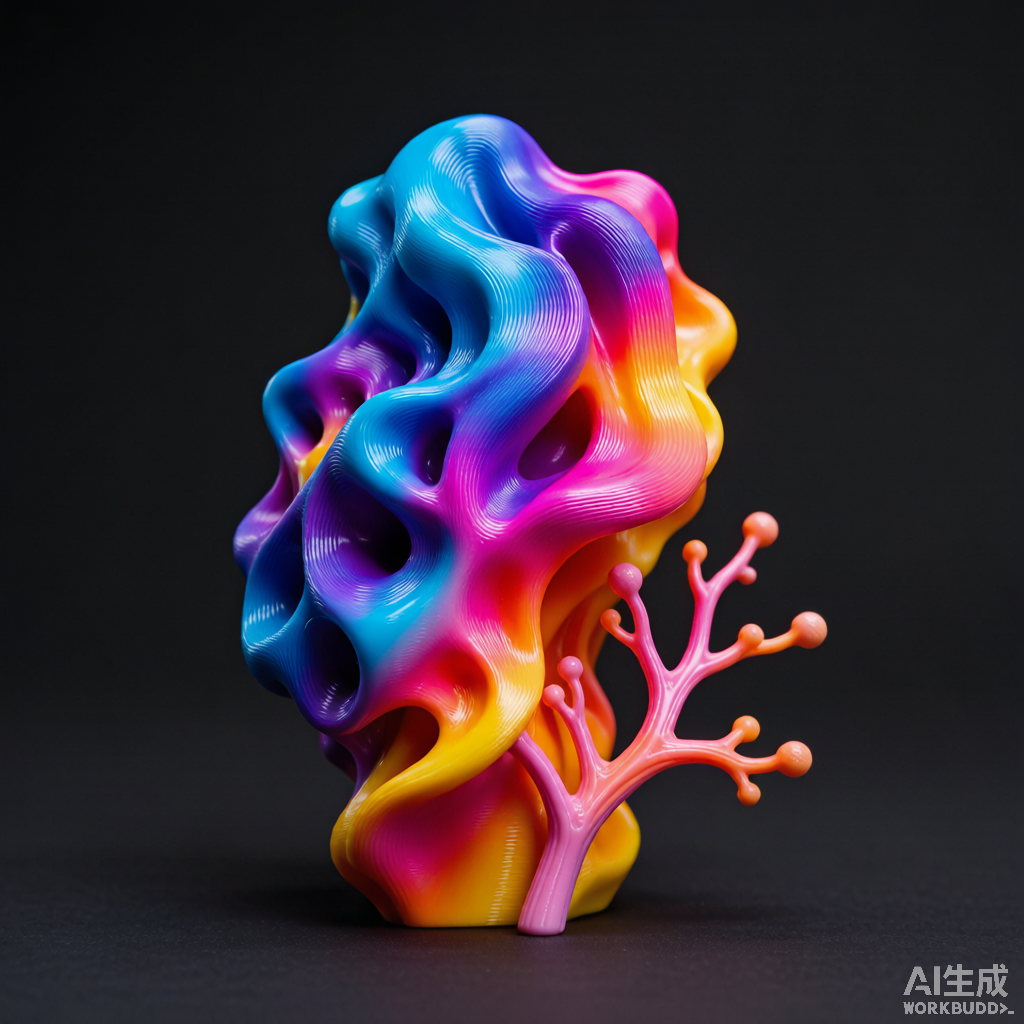
Anatomy, prosthetics, organic curves. Surfaces stay smooth in both binary and ASCII STL output.
Most converters ship your design to a server you can't see. We took the opposite bet — every byte stays on your machine. Here is what that buys you.
Conversion runs in JavaScript on your own device. Your models never touch our disks or anyone else's, so confidential prints stay confidential.
Because nothing is uploaded, even a 120 MB build starts transforming the instant you drop it — no progress bar stuck at "uploading."
We walk the full 3MF object tree — nested parts, instances and their 4×4 matrices — so multi-body assemblies keep their intended shape.
Queue several .3mf files, pick binary or ASCII, and pull the whole batch down as a single ZIP in one click.
No heavy 3D engine behind the page. It is a few kilobytes of CSS and JS, so it opens instantly on any connection or old laptop.
No login wall, no watermark, no per-file ceiling. Convert as many models as you like, for free, forever.
One file or a whole batch. We read the extension and bounce oversized files before they ever choke the tab.
The 3MF — a zip of meshes plus a build tree — is unpacked, its transforms resolved, and every triangle flattened into STL.
Grab each result on its own, or pull the full queue as a ZIP — binary for slicers, ASCII when a tool insists.
Yes. Every byte is parsed and encoded by JavaScript in your tab. There is no server endpoint that receives your model.
Binary is compact and is what nearly every slicer expects. ASCII is plain text; choose it only when a specific workflow demands it.
Up to 150 MB each. Anything larger is rejected up front with a clear note, keeping the page responsive.
They will. 3mftostl.site walks the entire 3MF build tree — nested components and per-item 4×4 transforms included — so multi-object models stay aligned.
3mftostl.site turns your 3MF into a clean, slicer-ready STL. When you want the hardware to print it on or the models to feed it, these are the places the community actually uses.
UltiMaker Cura slices STL natively. If your model ships as 3MF, flatten it to a Cura-ready STL first — our 3MF to STL for Cura guide walks through exactly how, with Cura-specific tips on binary vs ASCII, scale and multi-part assemblies.